JPG to PDF
⚡ Fast JPG to PDF. Securely convert all JPEG and photo images.
Process everything locally in your browser with high-quality image to PDF results.
Upload your Images
Drag and drop your files here or click to browse
Image to PDF options
Advance Features
PDF Created Successfully!
Generated 0 page document (Approx 0 MB)
Crop Image
🌟 Advanced JPG to PDF Converter Solution
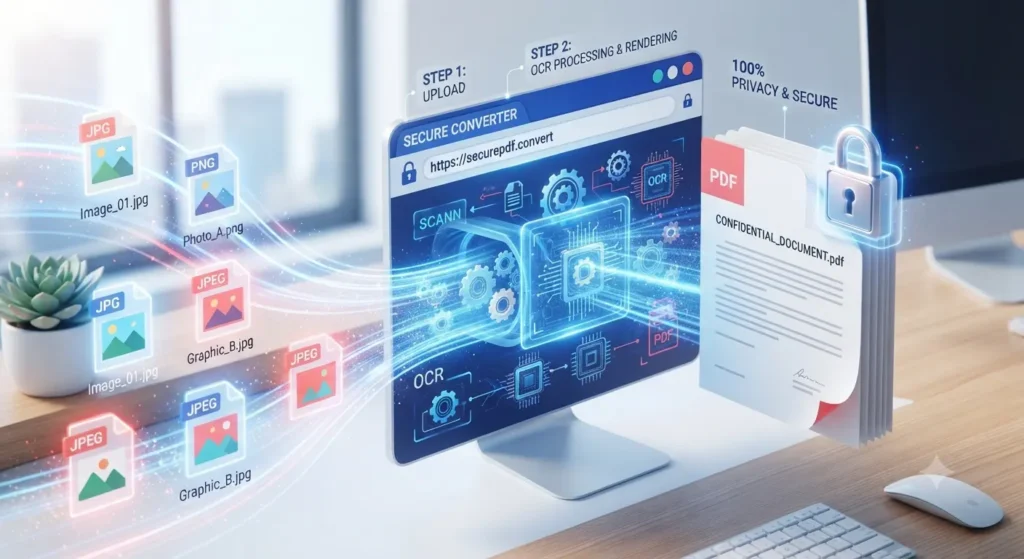
🌟 A Simple and Secure JPG to PDF Converter – Managing multiple image files can quickly become disorganised, especially when you share them professionally. Using a reliable JPG to PDF tool helps combine these scattered pictures into a single, neat document. This browser-based utility allows you to effortlessly arrange photos, adjust page layouts, and generate high-quality documents without requiring any software installation. It provides an efficient way to compile your visual records very securely and quickly.
🖼️ What Is a JPG to PDF Converter?
A reliable online JPG to PDF converter tool transforms your standard picture files into organised documents. Converting JPG to PDF permanently locks your visual layout in place. This guarantees that your content displays consistently across different operating systems. This tool compiles scattered photographs, digital scans, or web graphics into a single file, eliminating the frustration of sending multiple attachments to clients.
Fast, Secure, and Free JPG to PDF Conversion
Turning digital photos into organised documents should never feel complicated or risky. Our modern tool offers an effortless way to transform snapshots, graphic designs, and receipts into professional documents right inside your browser. Whether handling modern camera captures or standard JPEG to PDF tasks, you can convert JPG to PDF for job applications, official paperwork, or personal archiving without installing software or registering an account.
How to Convert JPG to PDF Online
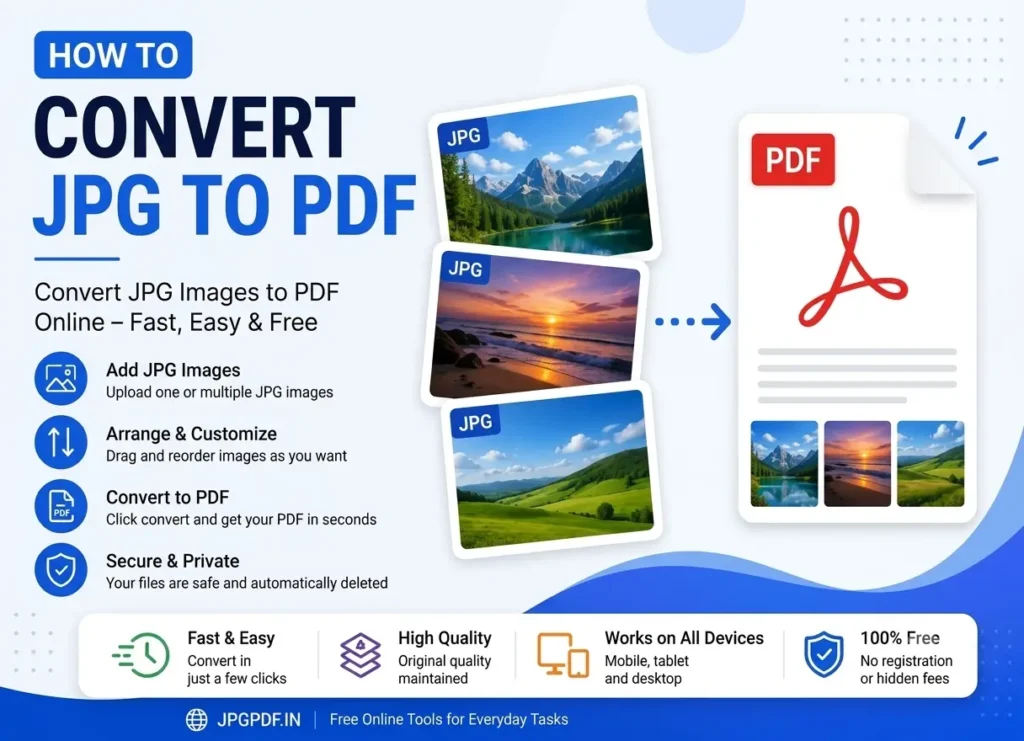
Transform your images into clean documents in just a few quick steps. Follow this straightforward workflow to complete your JPG to PDF conversion:
- Select Files: Click Upload or drag photos into the workspace. You can also import pictures directly from Google Drive or Dropbox.
- Adjust & Edit: Rotate individual cards or use the built-in cropping tool to frame your pictures accurately.
- Configure Layout: Pick your orientation, page dimensions, margins, and quality presets from the sidebar.
- Convert: Click Convert to generate your document for instant download.
Private In-Browser Document Processing
Privacy is paramount when handling sensitive records like identity cards, academic records, and financial statements. Unlike traditional cloud converters that upload your files to remote servers, our utility operates entirely on your local machine using client-side processing.
Your photos never touch a remote web server or third-party database. Everything from decoding image pixels to rendering canvas layers happens in your browser’s private memory. This local engine delivers exceptional data privacy throughout the entire JPG to PDF creation process, eliminating internet upload waiting times.
Flexible Image to PDF Layouts and Page Formats
Every document serves a different purpose, which is why layout flexibility matters. You can effortlessly switch between Portrait, Landscape, or dynamic Auto orientation that inspects image dimensions automatically. For standard office printing, select international A4 or Letter sizes with custom margins.
If you want to preserve the exact proportions of high-resolution pictures, select the Fit to Image preset. This dynamic mode calculates page geometry directly from source pixel dimensions, eliminating unwanted blank borders. Combined with adjustable margin toggles, your output always looks intentional and crisp.
Precision Rotation and Custom Image Cropping
Pre-processing photos before compiling a final file used to require external image editors. Our integrated workspace eliminates that extra step. Each uploaded card features instant 90-degree rotation buttons, making JPG to PDF preparation seamless even for upside-down smartphone captures.
For scans requiring clean borders, tap the crop button to launch an interactive canvas cropping modal. Select precise rectangular boundaries to remove unwanted background clutter before conversion. This precision framing makes the tool ideal for anyone compiling a photo to PDF portfolio or archiving receipts.
Instant Import from Google Drive and Dropbox
Modern workflows rely heavily on cloud storage. To save you the hassle of manually downloading assets to your computer or phone first, our interface connects directly with Google Drive and Dropbox.
With secure authentication, you can pick pictures stored in your cloud storage and pull them into the editor instantly. This direct import saves mobile data and speeds up JPG to PDF batch tasks on the go without cluttering your device’s internal storage.
Encrypted Passwords, Watermarks, and Page Numbers
Professional document management often demands extra protection. You can secure confidential records by applying an encrypted user password before compilation. Unauthorised recipients cannot open or view protected pages without entering the correct passphrase.
You can also protect your intellectual property with custom watermarks placed diagonally across the centre or neatly anchored in the bottom corner. Additionally, automated page numbering allows you to print sequential numbers on headers or footers, which makes every image to PDF project professional and court-ready.
Single Document Merge or Batch ZIP Export
Managing dozens of loose image files can quickly clutter your desktop. By default, our compiler joins all your selected photographs into a single unified document. Assigning a custom name makes your finalized JPG to PDF export immediately organized and ready for email delivery.
If you need each photograph converted as an individual file rather than combined together, simply untick the merge option. The engine will instantly process each image into its own separate document and package them inside a convenient ZIP archive for quick one-click downloading.
Frequently Asked Questions About JPG to PDF
No, the service is 100% free with no hidden charges, trial periods, or subscriptions. You can process unlimited pictures whenever you need without entering credit card details or signing up for an account.
Never. Our client-side framework processes all data strictly within your local web browser. Your graphic files are never transmitted to, stored on, or analysed by remote servers, ensuring complete privacy for personal and corporate records.
Yes. In addition to standard JPEG photos, the converter accepts PNG and WebP formats. You can combine multiple mixed graphic types into a JPEG to PDF compilation without needing prior conversion.
The password utility integrates standard document-level encryption during the build phase. When you enter a password in the advanced options, anyone attempting to open the resulting PDF must enter that exact password to view its contents.
Client-side conversion is significantly faster because you never wait for large graphics to upload over slow network connections. Furthermore, it guarantees total privacy because your confidential data never leaves your personal device.
Explore More Free PDF Tools
Convert, compress, organise and manage your documents with our collection of easy-to-use online PDF tools.